Fantasy Cricket App KYC Verification 2026: SG11 Document and Safety Guide
Complete SG11 Fantasy cricket app KYC verification safely in 2026: documents, name and bank matching, photo checks, troubleshooting, privacy controls and withdrawal readiness.
· SG11 Fantasy News Desk
Compliance Notice: SG11 Fantasy is a skill-based fantasy sports platform for adults in permitted Indian states. Identity verification does not remove financial risk. Set limits, never borrow to play and check local rules.
Why KYC matters before you add money or request a withdrawal
Know Your Customer verification connects a fantasy account to a real adult user. On SG11 Fantasy, that link protects account ownership, helps prevent duplicate profiles and gives the payments team a reliable identity trail when a user requests a withdrawal. KYC is not a prediction tool and it does not improve match results. It is an account-safety control that should be completed calmly, with documents that belong to the account holder.
Complete verification before a high-pressure moment such as the start of a contest or an urgent cash-out request. A rushed submission is more likely to contain a blurred image, a spelling mismatch or a bank account held in another person's name. Those errors can send the profile into manual review. The practical rule is simple: use your legal details, upload only through the official account flow and allow enough time for checks to finish.
Why KYC matters before you add money or request a withdrawal: a practical checkpoint before submitting verification.
Documents to prepare for SG11 Fantasy verification
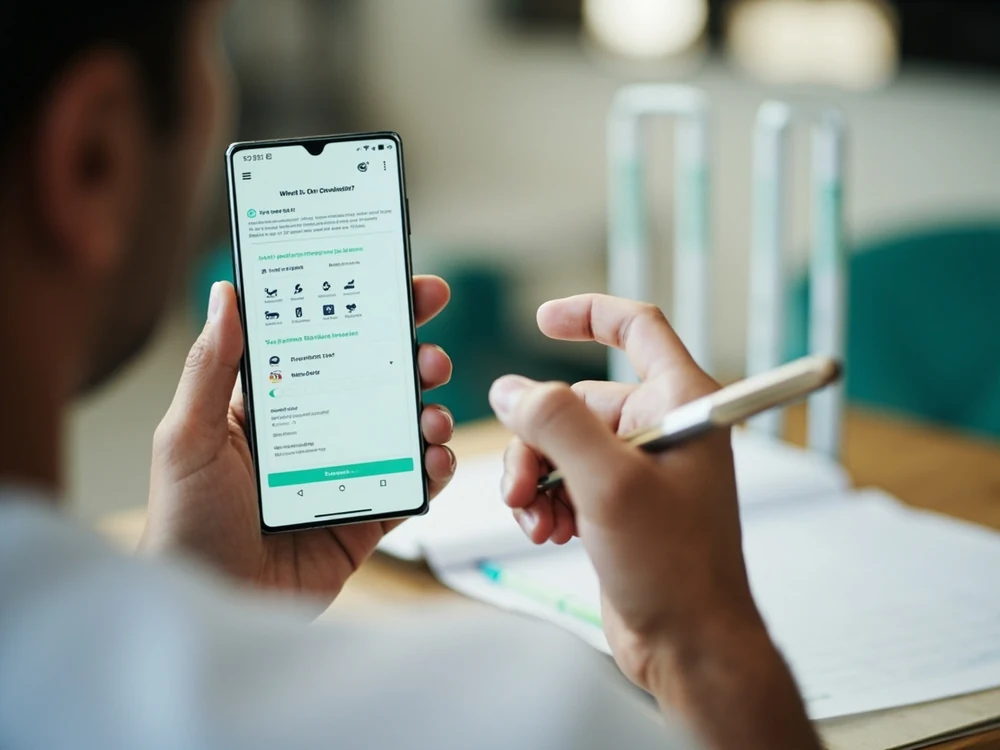
Prepare a government-issued identity document accepted by the in-app verification screen, a clear tax-identity record where requested and proof that the withdrawal account belongs to you. The exact list may change with payment partners and applicable rules, so the live SG11 Fantasy screen is the authoritative checklist. Never send extra documents merely because an unsolicited caller or social-media account asks for them.
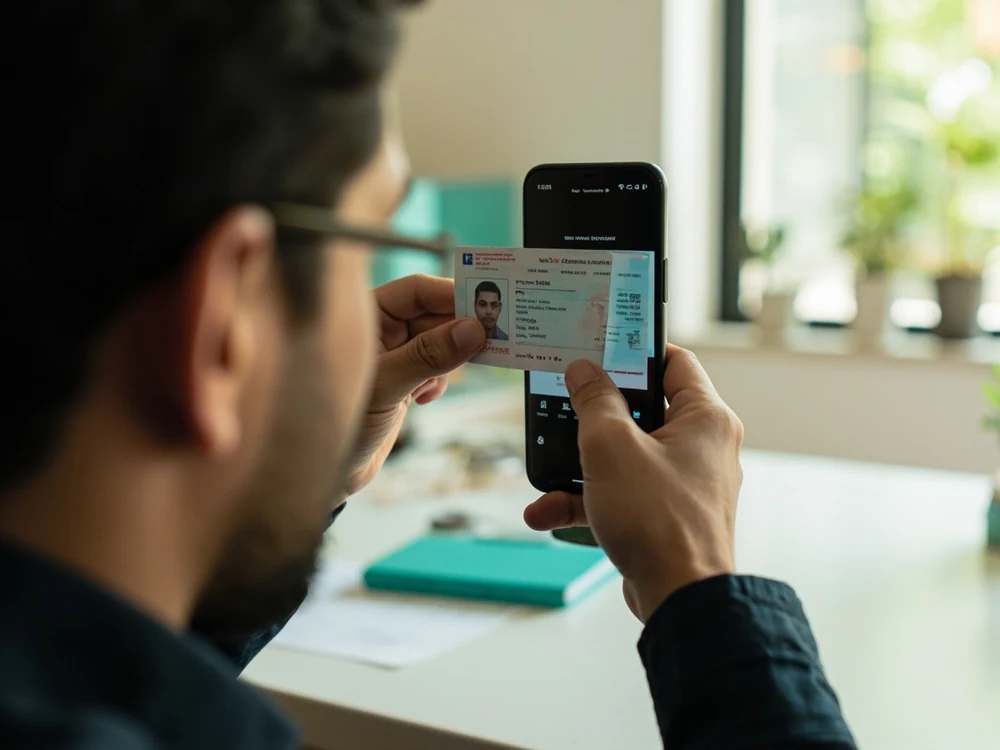
Use an original document in good condition. All four corners should be visible, the printed name and date of birth should be readable and glare should not cover the identification number. If a document has an old address, follow the instructions shown in the app rather than editing the image. Cropped screenshots, photocopies of photocopies and photos passed through messaging apps often lose enough detail to trigger rejection.
Documents to prepare for SG11 Fantasy verification: a practical checkpoint before submitting verification.
Match your profile name, date of birth and bank details
The name on the fantasy profile should match the identity record and the name held by the bank or supported payment account. Small differences such as initials, a missing middle name or a surname entered in the wrong field can stop automated matching. Review the profile first, then compare each field character by character with the document before pressing submit.
Use your own active bank account for withdrawals. A relative's account, a business account or an account with a different legal name can create an ownership conflict even when the payment itself would otherwise work. If your legal name has recently changed, use the support channel inside the site and ask which supporting record is required. Do not open a second SG11 Fantasy profile as a workaround; duplicate accounts can create a bigger compliance problem.
Match your profile name, date of birth and bank details: a practical checkpoint before submitting verification.
Capture a clear ID image and complete the live photo check
Place the document on a plain, contrasting surface in bright indirect daylight. Clean the camera lens, hold the phone parallel to the card and tap the document area to focus. Avoid flash glare, filters, beauty modes, shadows from your hand and any on-screen annotation. Check the preview at full size: the photograph, name, number and expiry information must remain sharp after capture.
If the flow asks for a live face photo or liveness movement, use the account holder's face in a well-lit room. Remove a cap or dark glasses, keep the face inside the guide and follow the requested movement once. A live check is designed to reject screenshots and photographs of another screen. Repeated rapid retries can make diagnosis harder, so correct lighting and camera permissions before trying again.
Capture a clear ID image and complete the live photo check: a practical checkpoint before submitting verification.
Submit KYC through a secure connection and protect your data
Open SG11 Fantasy by typing the known address or using a trusted bookmark. Confirm HTTPS is active and do not upload identity files through Telegram, WhatsApp, email or a search advertisement that imitates the brand. Official support may explain a requirement, but it should never ask for your bank password, card PIN, UPI PIN or one-time password. Those secrets are not needed to verify identity.
Use a private device and a trusted mobile or home network. After submission, remove temporary document photos from shared folders and cloud links that you created only for transfer. Keep the account password unique and enable the security controls offered by your device. If you suspect a document was sent to an impersonator, contact the relevant issuer or bank promptly and report the account through the platform's official support route.
How to track status without creating duplicate requests
After submission, note the on-screen reference or status and wait for the stated review window. Automated checks can be quick, while a mismatch or low-quality image may require a person to review it. Refreshing the page is harmless, but resubmitting different versions of the same document every few minutes can create conflicting evidence and delay a clean decision.
Use the same support conversation if the expected window passes. Share the account identifier and verification reference, not sensitive passwords or payment secrets. Ask which field failed and what exact replacement is needed. A useful support reply identifies a specific issue such as unreadable number, name mismatch, expired document or unsupported file type. Fix that issue once and preserve the confirmation message.
Troubleshoot common rejection and upload errors
For a blurred-document rejection, retake the image in brighter indirect light and confirm focus before uploading. For a file error, use the accepted format and size shown beside the upload control. For a name mismatch, compare the fantasy profile, identity document and bank record without guessing. For an expired document, submit a currently valid record rather than editing a date or reusing an old scan.
Browser and device problems can also interrupt an otherwise valid submission. Grant camera permission, disable aggressive data-saving for the upload, update the browser and retry on a stable connection. If an error remains, capture the error wording without exposing the document number and send that screenshot through official support. Never install a remote-access app so that an unknown person can 'complete KYC' for you.
Final pre-submission checklist for a withdrawal-ready profile
Before the final tap, confirm eight items: you are an adult in a permitted location; the account uses your legal identity; the profile name and birth date match; the document is current; every corner and field is readable; the live photo is yours; the withdrawal account is in your name; and the page is the official secure SG11 Fantasy service. This checklist prevents most avoidable reviews.
KYC approval does not guarantee a withdrawal amount or timing, because payment processing and contest settlement can have separate rules. It does establish the identity and ownership foundation those processes depend on. Keep records accurate, play within a fixed entertainment budget and use the SG11 Fantasy cricket app hub for related app, account and responsible-play guidance.
Responsible play checks to complete alongside identity verification
Treat verification as one part of a safer account setup. Decide an entertainment budget before entering any contest, separate that amount from rent, food, debt payments and emergency savings, and stop when the budget is used. Fantasy selections involve uncertainty even when they are based on research. Identity approval is not an endorsement of a lineup and must never be interpreted as a promise of winnings.
Review the account's notification, deposit and time-management controls while the verification request is pending. Use limits that are realistic on an ordinary day, not limits based on a hoped-for win. If play begins to feel urgent, secretive or necessary to recover a loss, pause the account and seek support from someone you trust. Good KYC hygiene protects identity; good limit-setting protects the household budget.
A simple verification record to keep after approval
Keep the approval date, reference number and the official status message in a secure place. Do not store a full identity-document image in an unprotected notes app merely for convenience. A reference and the last four characters, where appropriate, are usually enough to discuss a case with support without repeatedly exposing the complete number. Review saved browser downloads and remove temporary copies once they are no longer needed.
If your phone number, address, legal name or bank account changes later, update the profile through the official process before the next withdrawal request. Do not overwrite details simply to make them resemble another payment account. Accurate change records reduce false fraud alerts and make ownership easier to confirm. Revisit this checklist whenever a new document or live-photo request appears, because accepted formats and compliance steps can evolve.
Frequently asked questions
What documents are needed for SG11 Fantasy KYC?
Use only the documents listed in the live SG11 Fantasy verification flow. This commonly includes a supported government identity record, tax identity where required and proof that the withdrawal account belongs to you. Requirements can change, so do not rely on an old screenshot or an unofficial social post.
Why was my fantasy cricket app KYC rejected?
Common causes include a blurred or cropped image, glare over a number, an expired document, a profile-name mismatch, an unsupported file type or bank details held in another person's name. Read the stated reason, correct that specific issue and submit one clean replacement.
How long does fantasy app KYC verification take?
Follow the review window displayed in the account. Clean automated matches may complete quickly, while name differences or unreadable images can require manual review. Avoid repeated duplicate submissions during the stated window.
Can I use another person's bank account for withdrawals?
Use a bank or supported payment account in the verified account holder's own name. A third-party account can fail ownership matching and may require additional review. Contact official support if your legal name recently changed.
Will support ask for my OTP or UPI PIN during KYC?
No legitimate identity check requires your bank password, card PIN, UPI PIN or one-time password. Do not disclose those secrets. End the conversation and report the contact if anyone asks for them.
Can I complete SG11 Fantasy KYC from a shared phone?
A private device is safer. If you must use a shared phone, avoid saving document images or passwords, sign out completely and delete temporary files after the official upload finishes. Never leave identity files in a public downloads folder.